When you are ready, download the Roku® Smart Home mobile app.

To learn more about your Roku Smart Home device before you begin, take a moment to review the helpful resources in this article.
Which Roku smart light strip do I have?
Roku offers a variety of light strips that offer 16 million color options, adjustable temperature and brightness, and custom presets for any occasion. The Roku Smart Light Strip+ SE has 16 individually customizable sections, while the Roku Smart Light Strip SE can only have one color at a time.
This article has information specific to each mode, details about features common to each model, and various troubleshooting topics.
Roku Smart Light Strip SE
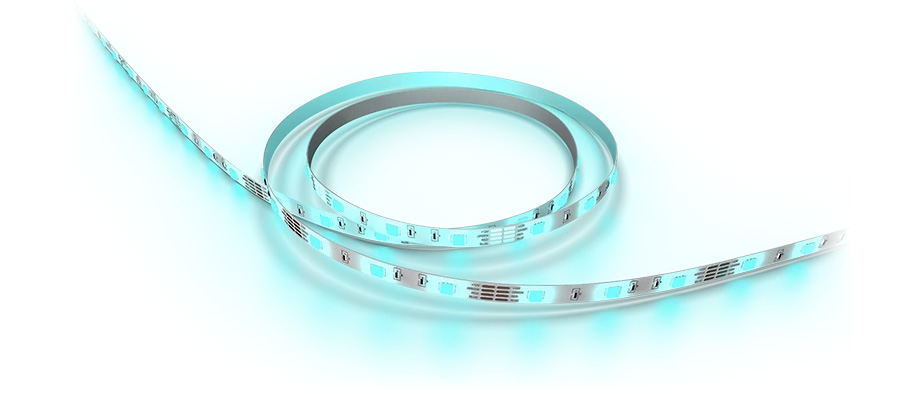
- Roku Smart Light Strip SE - 16 feet (model LS1016)
- Roku Smart Light Strip SE - 32 feet (model LS1032)
Roku Smart Light Strip+ SE
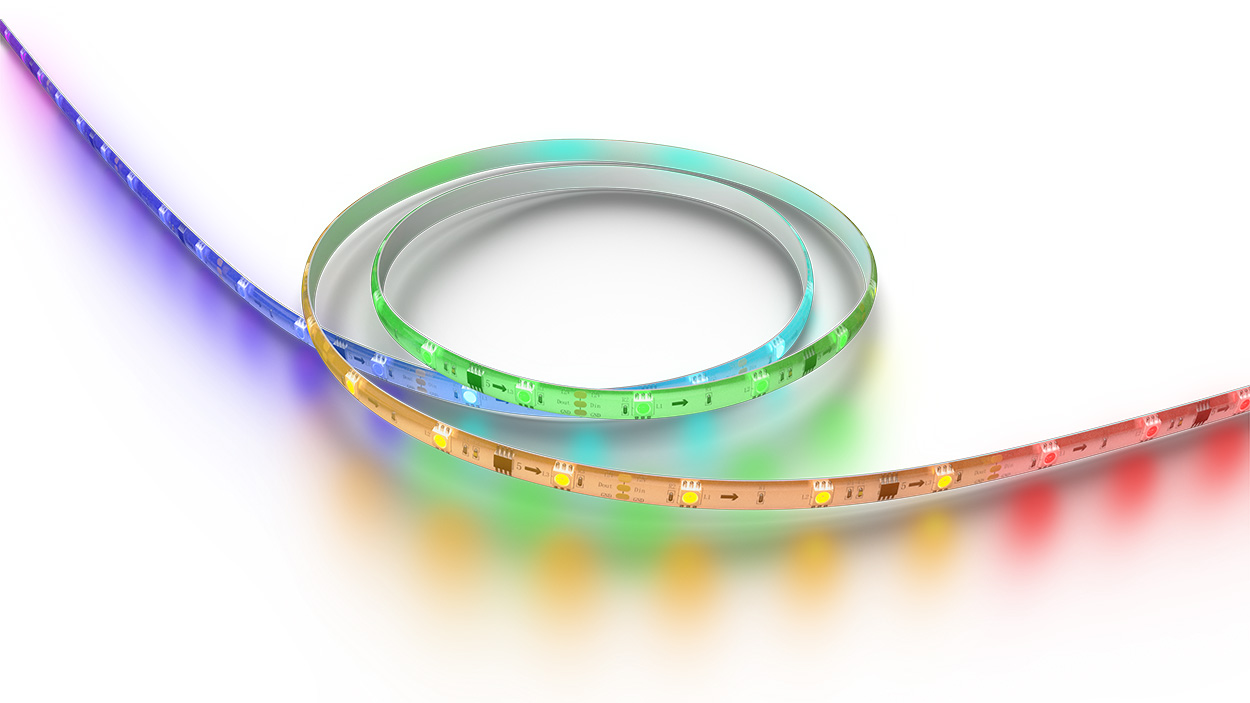
- Roku Smart Light Strip+ SE - 16 feet (model LS2016R)
- Roku Smart Light Strip+ SE - 32 feet (model LS2032R)
How do I get started?
After you choose a location, be sure to use the included alcohol wipes to clean the mounting surface and let it dry. Dust or moisture can reduce the strength of the adhesive on your light strip. For the 16-foot model, the light strip connects to the controller and the controller connects to the power adaptor. The 32-foot model is simply two 16-foot light strips that each connect to the controller (not to each other). When attaching the devices to each other, do not force the connections. They are keyed to only fit one way.
For guided assistance, you can find detailed instructions in the setup article or an overview in the Quick Start Guide, or you can follow along with the tutorial video.
 Quick Start Guides
- Roku Smart Light Strip SE Quick Start Guide (16 feet)
- Roku Smart Light Strip SE Quick Start Guide (32 feet)
- Roku Smart Light Strip+ SE Quick Start Guide (16 feet)
- Roku Smart Light Strip+ SE Quick Start Guide (32 feet)
After you are finished with setup, jump to the features below to find out how easy it is to use your light strip. If you run into any issues along the way, check out the troubleshooting topics for more help.
Features of your smart light strip
Now that you are finished with setup, check out all the great features included with your Roku Smart Light Strip SE and Roku Smart Light Strip+ SE.
- Customizable: Easily set the perfect mood in any room by adjusting the temperature and brightness.
- Presets: Save your favorite color settings as custom presets, and you can quickly change from your team colors on game day to a calming cool blue.
- Sunlight match: Your smart light strip can automatically adjust to match the warm light in the morning to the cool brightness in the afternoon.
- Sleep routines: It is easy to set up sleep routines that let you wake up or fall asleep to brightness that gradually adjusts on its own.
- Vacation mode: Keep your lights on a varied schedule with vacation mode and make it always look like you are home.
- Multi-light strip sync: Control multiple light strips in your room or your entire home at the same time. Simply group your smart light strips together to get started. You cannot connect different models together physically, but they can be grouped together in the smart home mobile app.
- Music sync mode: Set up your light strips to match the beat of your favorite songs with music sync mode.
- Automation: There are three types of rules to help you automate your smart home experience.
- Shortcuts: Control a specific action, like turning off your light strip, with the tap of a single icon on the smart home app Home screen.
- Schedules: Set up specific times to have your light strip turn on and off.
- Device triggers: Connect multiple Roku Smart Home devices, such as a floodlight camera and smart light strip, and have one device trigger the other.
- Individual section control (Smart Light Strip+ SE only): Create a vibrant rainbow, a soft ombre, or any color scheme you like with 16 individual color sections.
Troubleshooting your smart light strip
For additional help solving an issue with your Roku Smart Light Strip SE, Roku Smart Light Strip+ SE, or any feature, refer to the detailed articles below:
Last updated at 6/25/2026 11:07:01 PM
Was this article helpful?
Related articles
Need more help?
