Most Roku streaming players have a light on the front of the unit. Under normal operation this light is either off or white, and may flash when you press buttons on your Roku remote control.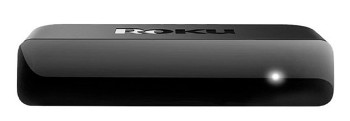
However, there are cases when this light may turn RED.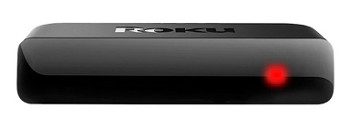
What should I do if the light is RED?
If the RED LIGHT IS FLASHING, your Roku streaming player has insufficient power; please refer to: go.roku.com/lowpower
If the RED LIGHT IS SOLID, your Roku player is overheating. Unplug your Roku player immediately and refer to: go.roku.com/tempcheck
Last updated at 2/25/2026 5:29:08 AM
Was this article helpful?
Related articles
Need more help?
