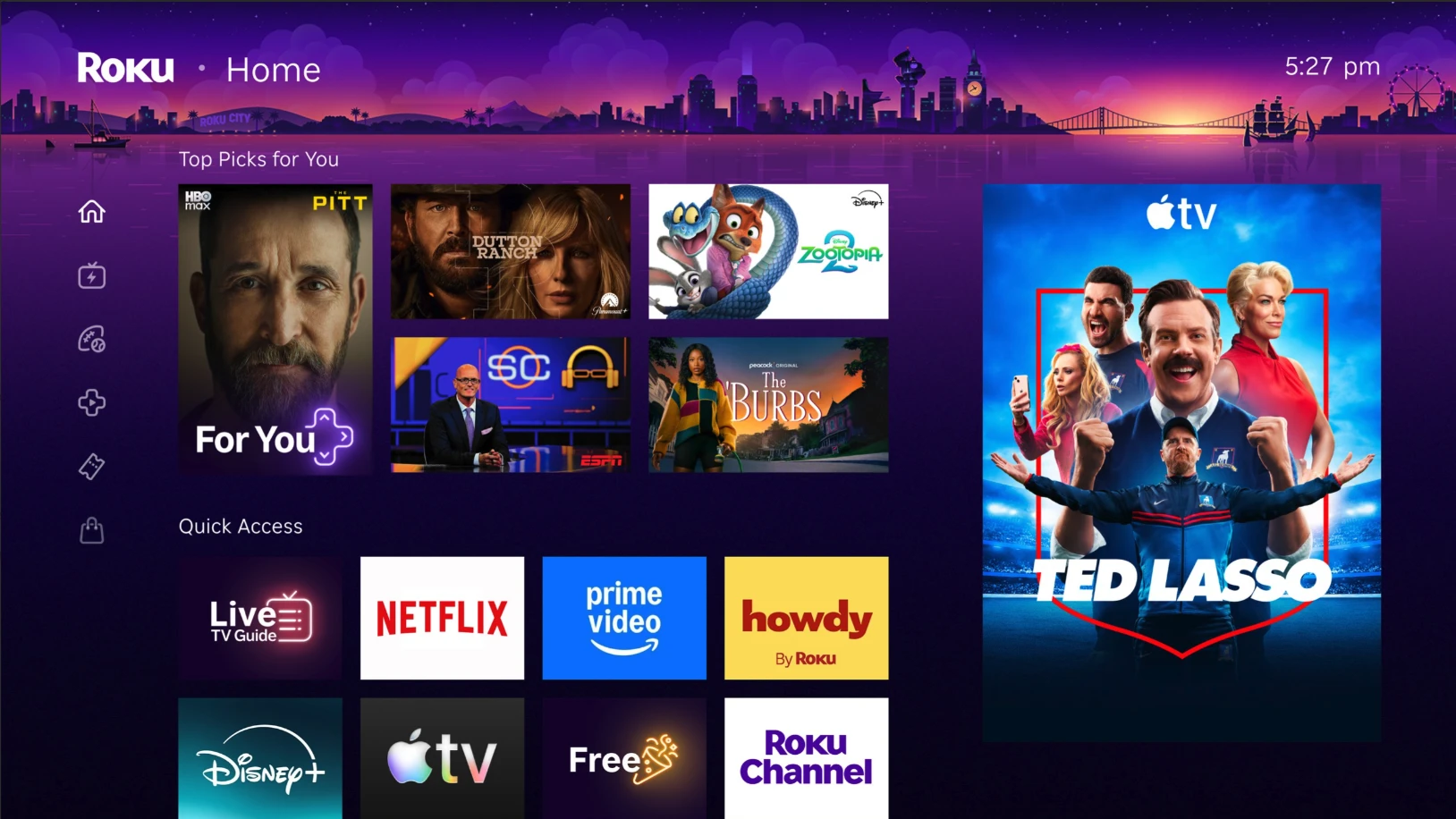
Roku updated the Home Screen to make it easier to find your favorite apps, shows, and movies. The new layout puts personalized recommendations front and center and gives you faster access to the entertainment you watch most. Here's what changed and how to find everything.
Why did my home screen change?
Roku redesigned the Home Screen to help you spend less time searching and more time watching. The new layout learns what you like, and will recommend shows, movies, and live events you're likely to enjoy.
Can I switch back to the old Roku Home Screen?
No, the new Home Screen layout is now the standard Roku experience, and there isn't a setting to switch back. The default view is set up to work for most people right away. However, you can customize the Home Screen if you want to. See How do I customize my Home Screen? below for ways to personalize the layout.
Where are my apps?
Your apps are still on the Home Screen. They've moved to the Apps section further down the page. Scroll down to find all your installed streaming apps in the same grid you're used to. You can personalize your apps by rearranging them. Your TV Inputs (such as HDMI) will also appear in the Apps section, like on the previous home screen.
If an app is still missing:
Go to Search (press the left arrow on your remote, then select Search)
Search for the app by name and select Add App if it appears
How can I rearrange my apps?
- Highlight an app and press the Star
 button on your remote.
 - You can choose to Move app or Move app to the top for easy access.
Where are Search and Settings?
Press the left arrow on your remote to open the Home Screen Menu. In the new collapsed view, you'll see all the same menu items as before.
What is Quick Access?
Quick Access is a row of tiles near the top of the Home Screen. it gives you one-tap access to your most-used apps, features, and shortcuts.
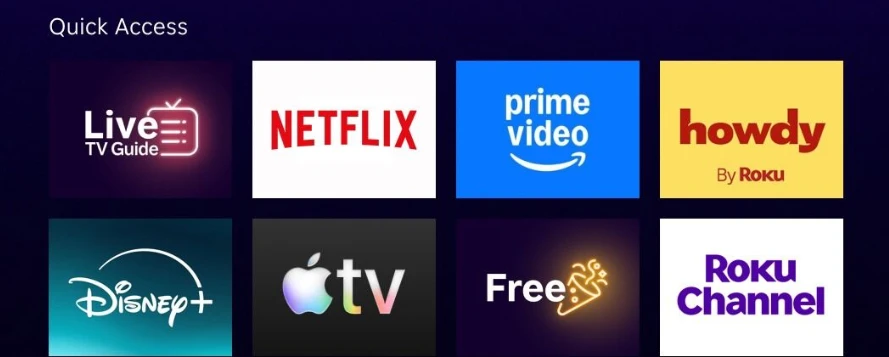
Roku builds this row automatically based on what you use most, but you're in control:
- Add items - Highlight any app or shortcut and press the Star button to add it to Quick Access.
- Remove items - Highlight a Quick Access tile, press the Star button, and choose to remove it.
- If you haven't used an app in a while, Roku may suggest removing it to keep things tidy.
Some app options, like Manage Subscription, are not available from Quick Access. To find them, scroll to the Apps section, then select the app, and press Star  .
.
What are the recommended shows and movies on my home screen?
The large tiles at the top of your Home Screen are personalized picks for shows, live events, and movies. These include tiles for recommendations and top picks for you. Your Roku device may show these picks in different ways at the top of the Home Screen. Your Roku player or Roku TV may not look the same as another, and that is normal. Roku chooses what to recommend based on your viewing history and what we think you’ll love.
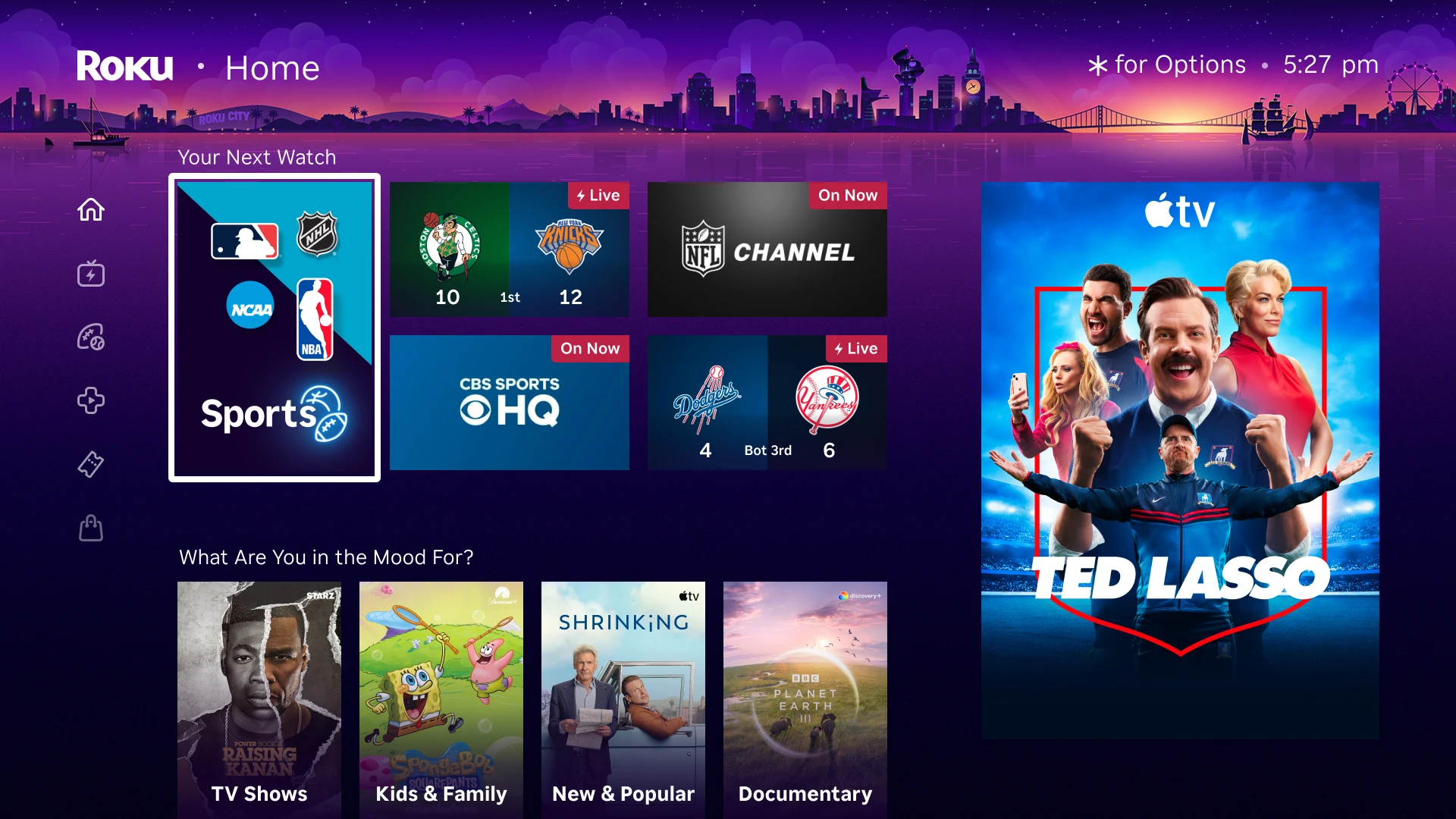
The more you watch, the better these suggestions get. Roku keeps updating what you see so we can show you more of what you like. The artwork and content you see are unique to your household and Roku device.
How can I improve my Home Screen recommendations?
The Roku Home Screen will adapt to what you watch, save, and rate. To help it personalize faster:
Rate recommendations - Press the Star button on a tile, or rate from the Content Details page, to tell Roku what you like or don't like.
Save shows, movies, and live events - In some apps, pressing the Star button on a tile gives you options to add it to your Save List, or to favorite a channel.
Personalization becomes noticeably better the more you watch. As you give Roku feedback, your Top Picks for You, Quick Access, and recommendations will be more relevant to you.
What are Destinations?
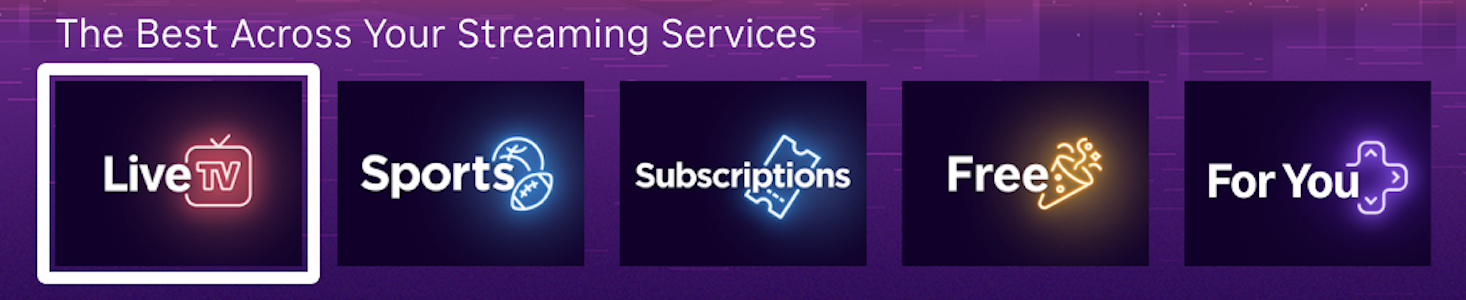
Destinations are content hubs that group entertainment by category. You'll see tiles like Free, Live TV, Roku Sports, and more. Select any tile to browse that category.
What are Shortcuts?
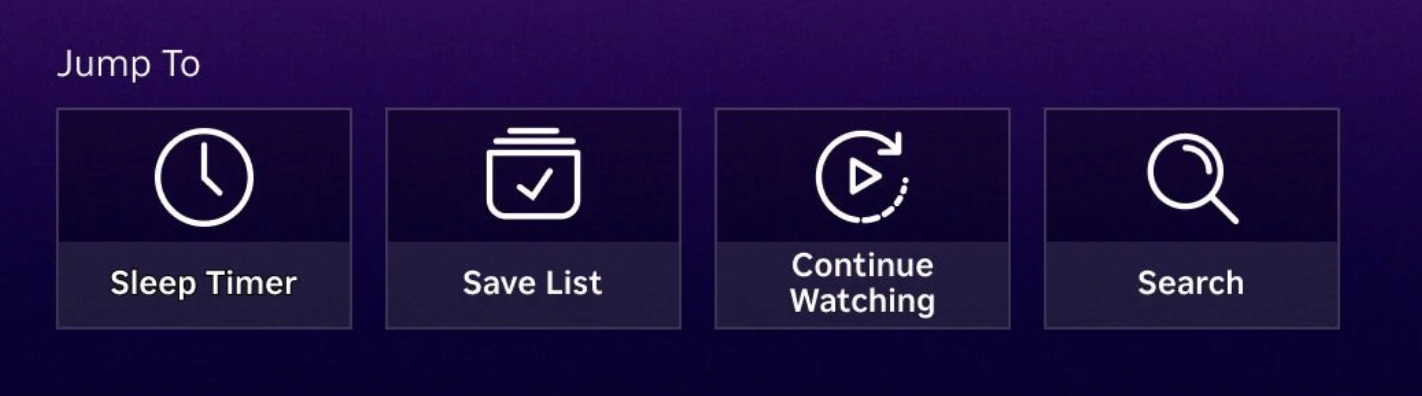
Shortcuts are quick links to common actions on your Roku device. We will show you things like your save list, checking your network, or opening your recently watched list. They save you from digging through menus for things you do often.
What does a "NEW" badge on a tile mean?
It means Roku added a new feature or content area. Select the tile to see what's new.
How do I customize my Home Screen?
You can customize your Home Screen in Settings > Home Screen. Choose from the following options:
- Tile size - Changes the size of the tiles on the Home Screen.
- Recommendation rows - Show or hide recommendations on your Home Screen.
- Quick Access - Show or hide Quick Access on your Home Screen. When hidden, the App Grid will replace it.
Last updated on 8/25/2026 8:42:49 PM
Was this article helpful?
Related articles
Need more help?
