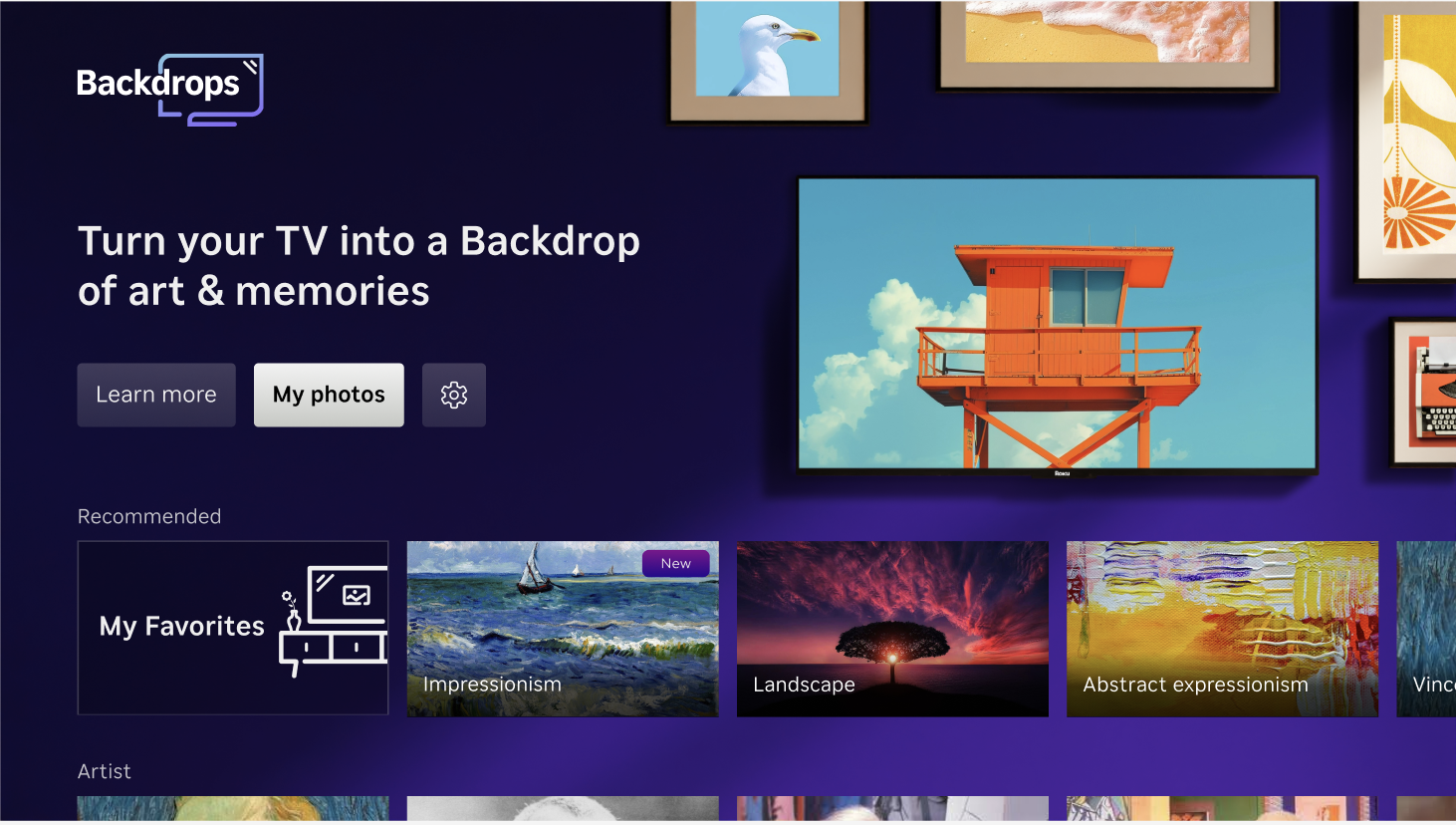
Photo Streams has become Backdrops. You can continue to display your personal photos on your Roku device using Backdrops.
What will happen to my photos?
Your photos are already waiting for you in Backdrops, so you don’t need to re-upload anything. When you open Backdrops, click on My Photos to find your personal albums, then choose one to display.
What will change for me?
Most of the things you could do in Photo Streams will still work in Backdrops, plus you’ll get new features like:
- Adjustable photo display time
- Curated art collections (about 4,500 images)!
- Quick launch using your Roku TV remote’s power button
Can I use Backdrops like a screensaver?
To configure Backdrops to function like a screensaver, follow these steps.
In the Backdrops settings menu, set the auto-start time to 10 minutes, then disable the screen saver start time from the Settings >Theme > Screensaversstart time menu.
- Go to Options > Backdrops preferences > Auto-start and choose 10 minutes.
Go to Settings > Theme > Screensaver start time and select Disable screensaver.
This ensures your chosen art/photos stays on as usual and are not interrupted by other settings.
Can I combine multiple albums like before?
Not exactly. Backdrops lets you show one album at a time. If you want to mix photos, you can add your favorites to the Favorites album, but note that you can’t combine photos uploaded to Backdrops and Google Photos in the same album.
Note: The Favorites album supports up to 1000 images.
Why is Roku making this change?
Backdrops brings photos into one app that's easier to use, more customizable, and will allow us to keep adding new photo and ambient experiences over time.
Last updated at 6/15/2026 2:47:03 PM
Was this article helpful?
Related articles
Need more help?

Chat with us
Get help from our support bot or connect to an advisor.
Available daily 4 am-10 pm PT