What is Hiro?
Hiro is a new brand of smart TVs, designed to deliver unbeatable value, reliability and the Roku TV experience. You’ll see it listed as “Hiro • Roku TV.”
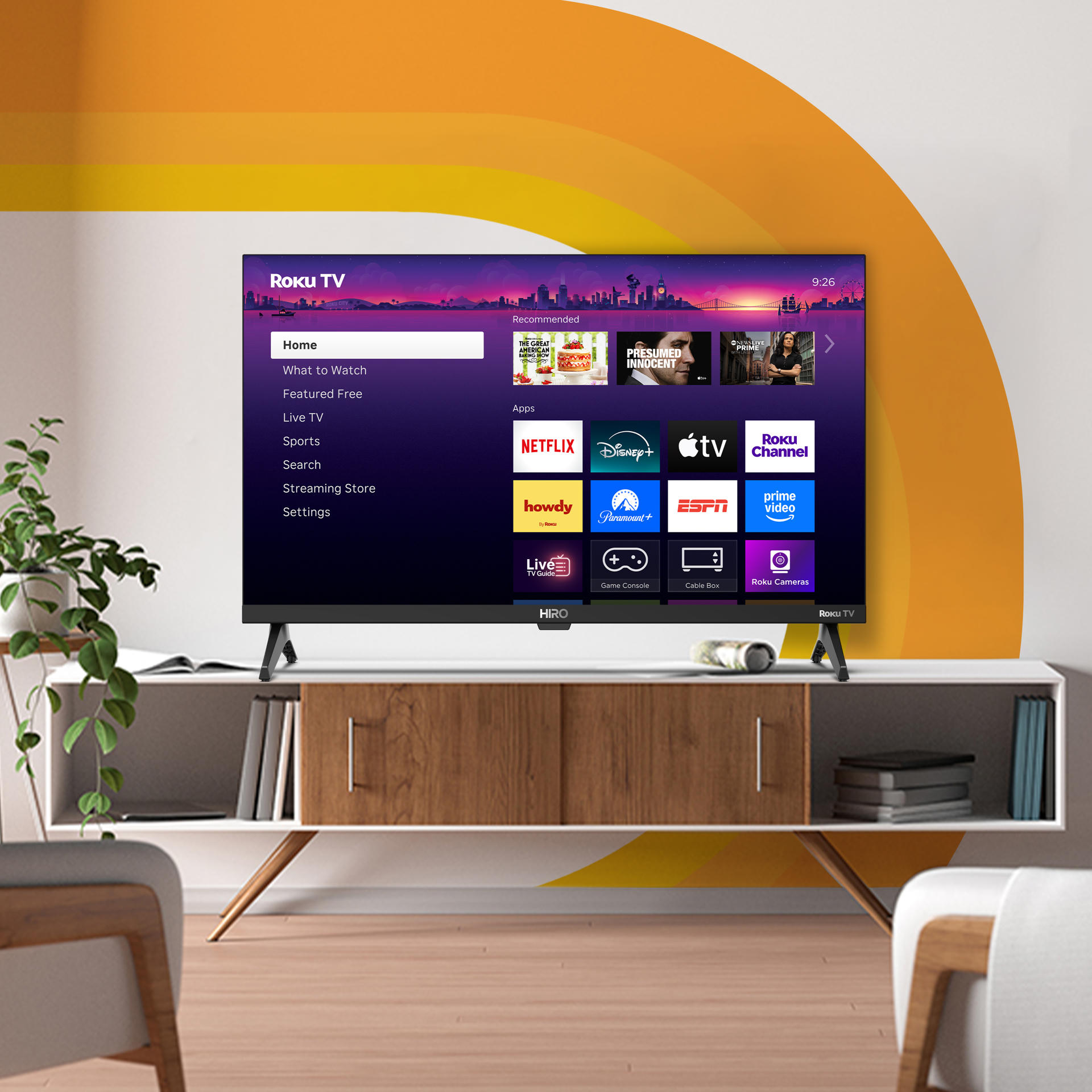
How to set up your Hiro Roku TV
Use the Quick Start Guide for in-depth instructions on completing the Guided Setup.
Quick links
Frequently asked questions
Where can I buy a Hiro Roku TV?
Hiro TVs are launching first in the United States. You’ll find them at Target, both online and in stores.
Do Hiro Roku TVs have the same Roku features?
Yes. Hiro Roku TVs come with the Roku experience built in. You’ll get the same streaming apps, voice search, free live TV, and updates that keep your TV up-to-date.
Is my Hiro Roku TV covered by a warranty?
Yes. See the Product Information Sheet for full details.Support
Roku provides all support for Hiro Roku TVs. The articles below contain information to help you finish setting up your TV.
- Tips for improving the wireless connection
- How to connect a Bluetooth device to your TV
- How to mount your TV
- How to install the Roku mobile app
- How to find free movies and TV shows
- How to set up an antenna for Live TV input
If you need additional help, contact Roku support for any issues relating to your Hiro TV.
Last updated at 8/14/2026 7:57:50 PM
Was this article helpful?
Related articles
Need more help?
